Lasercutter: basic use and safety
This course is exclusively for paying Bitraf members. If you're not a member yet, you can sign up for membership at Bitraf Membership before the course begins.
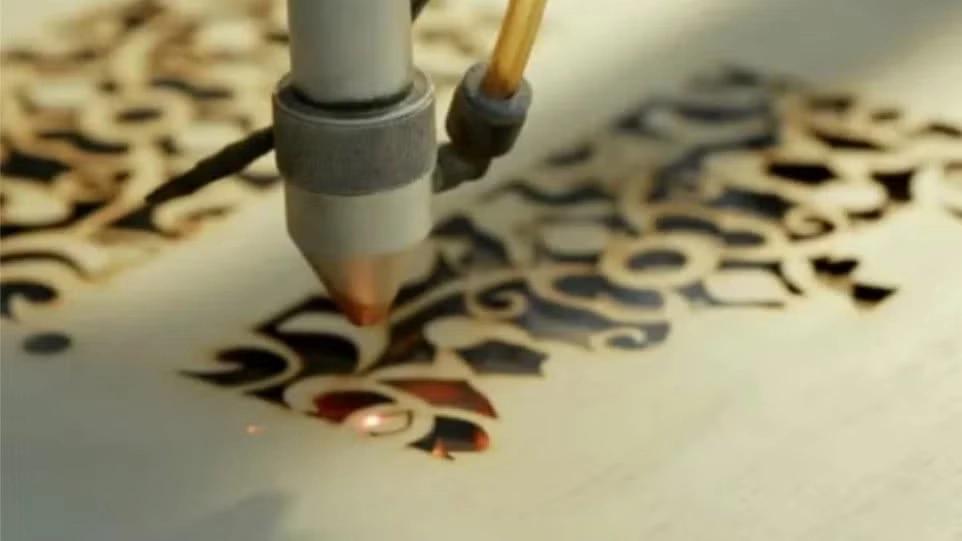
If you’re looking to make precise cuts in thin materials, a laser cutter might be just what you need! Bitraf is equipped with 2 laser cutters capable of cutting lines and engraving patterns in wood, plastic, fabric, leather, and more.
Important: Using the cutter can be dangerous, so completing this mandatory laser course at Bitraf is essential before operating the machinery. Throughout the course, we'll guide you through the entire process, from a simple design project to crafting a finished object.
Software and Tools
To create cutting files, you can utilize programs like Illustrator, Inkscape, Fusion 360, or Rhino. Both Inkscape and Fusion 360 are available for free; check them out at Inkscape and Fusion 360. For Fusion 360, consider signing up for the "Start-Up or Educational licensing".
During the course, we’ll use Bitraf's computers, although bringing your own laptop is optional.
Documentation
You can find detailed documentation about the laser cutter at the following links:
The software used on the lasers is Lightburn. Check it out at Lightburn Software and explore the numerous tutorials available on YouTube and their website. You can also download the software for your laptop prior to the course.
📋 These sessions tend to fill up quickly! If you realize that you can’t attend after signing up, kindly RSVP 'no' as soon as possible so that someone else can take your spot.
Brenneriveien 9, 0182, Oslo
Get directions